Email addresses
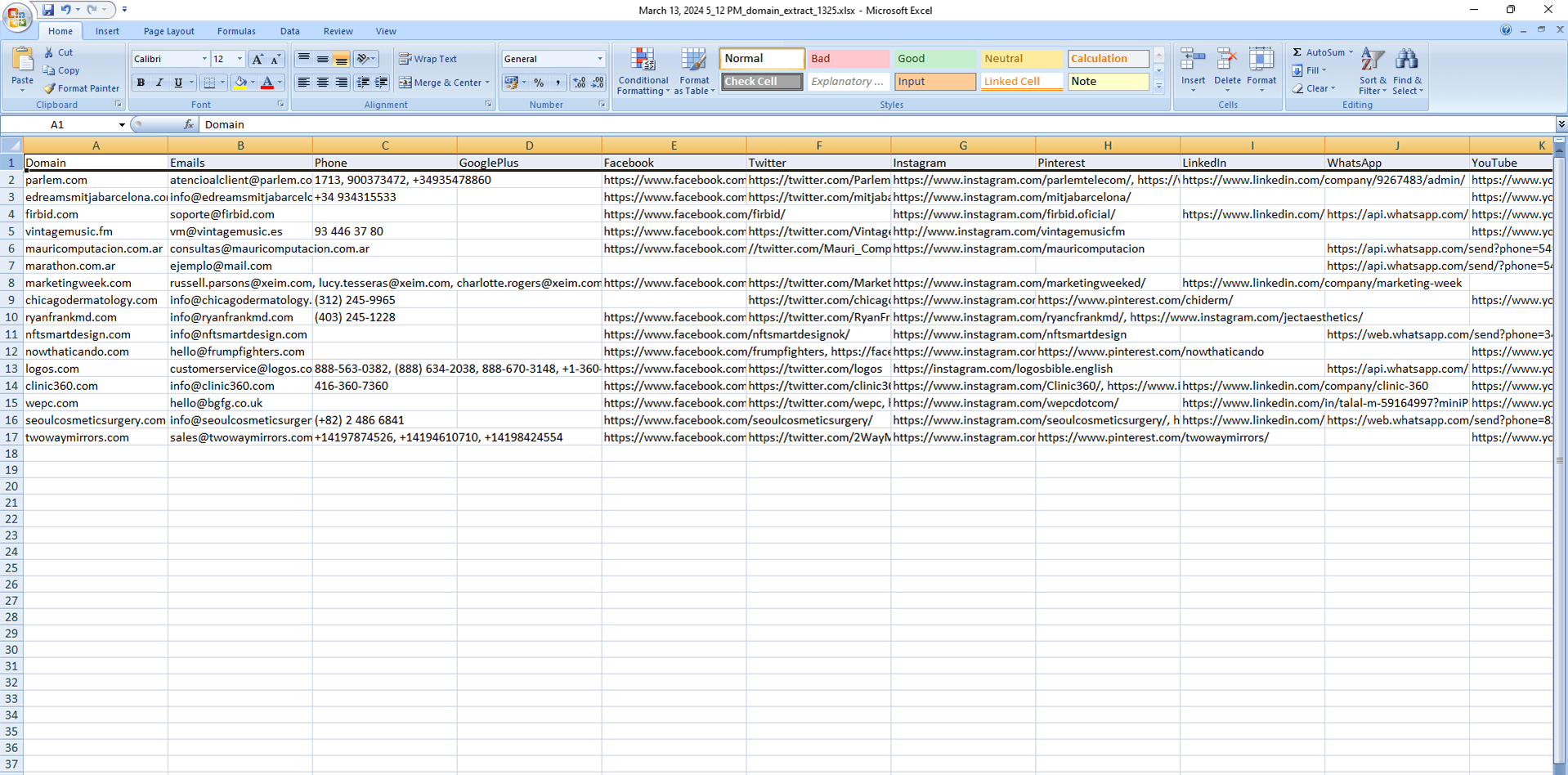
The main column. Each domain is paired with the mailbox addresses shown on its public pages.
Windows desktop tool
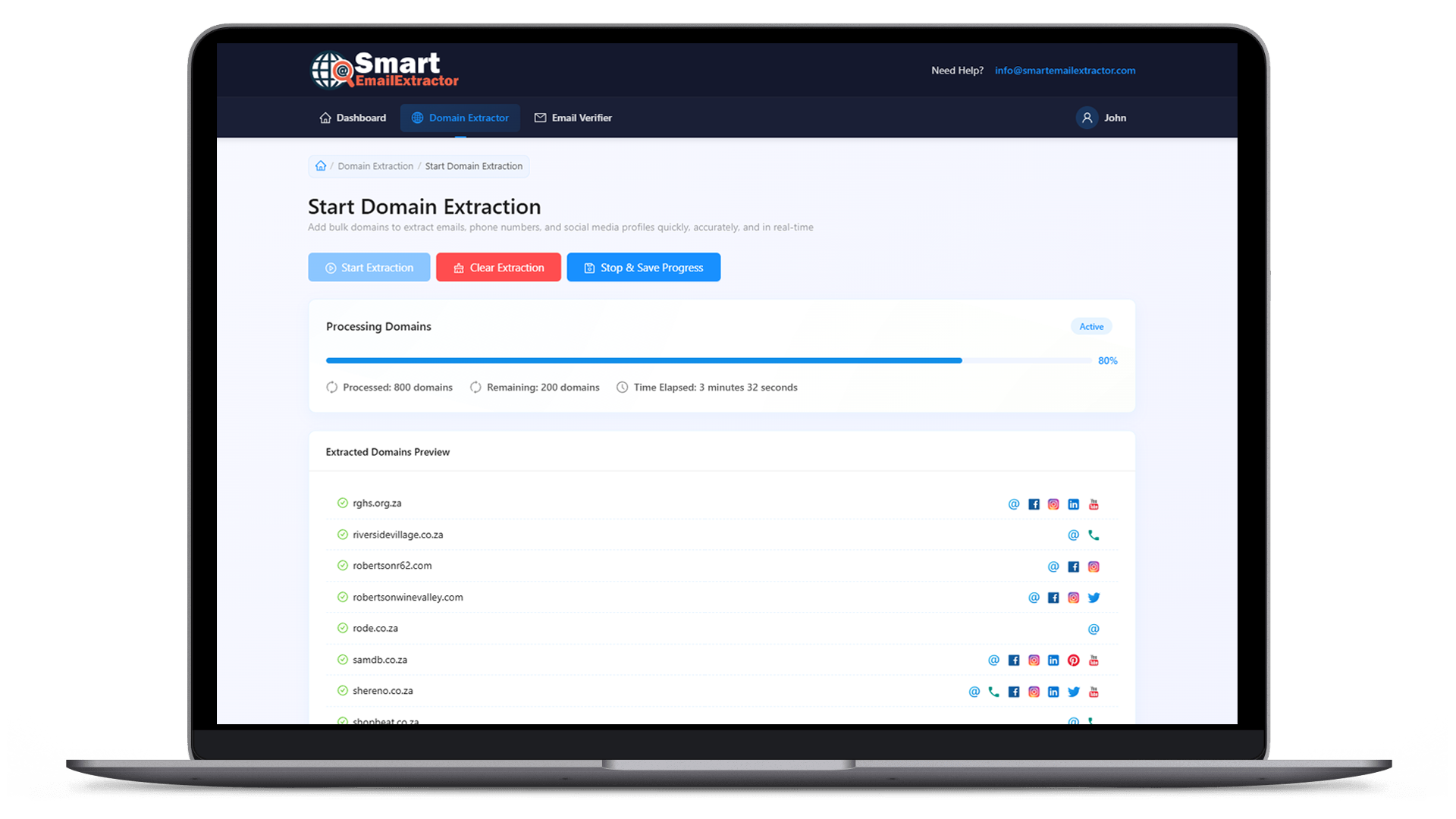
Start with the domains you already have. This bulk email extractor reads the public pages on that list and gathers the email addresses it can see. When a site also prints a phone number or a social profile, those stay on the same row.
What you get
The point of a bulk email extractor is the mailbox column. The other contact fields are kept so you do not throw away a phone number just to get the email.
The main column. Each domain is paired with the mailbox addresses shown on its public pages.
Filled in when the website prints a telephone or WhatsApp number next to the email.
Profile URLs stay on the same row, so the email is not separated from the rest of the public contact.
How it works
You are not hunting one address on one homepage. You hand over the list, and the program walks it.
Paste the company domains or open the list you already saved. That file is the whole input.
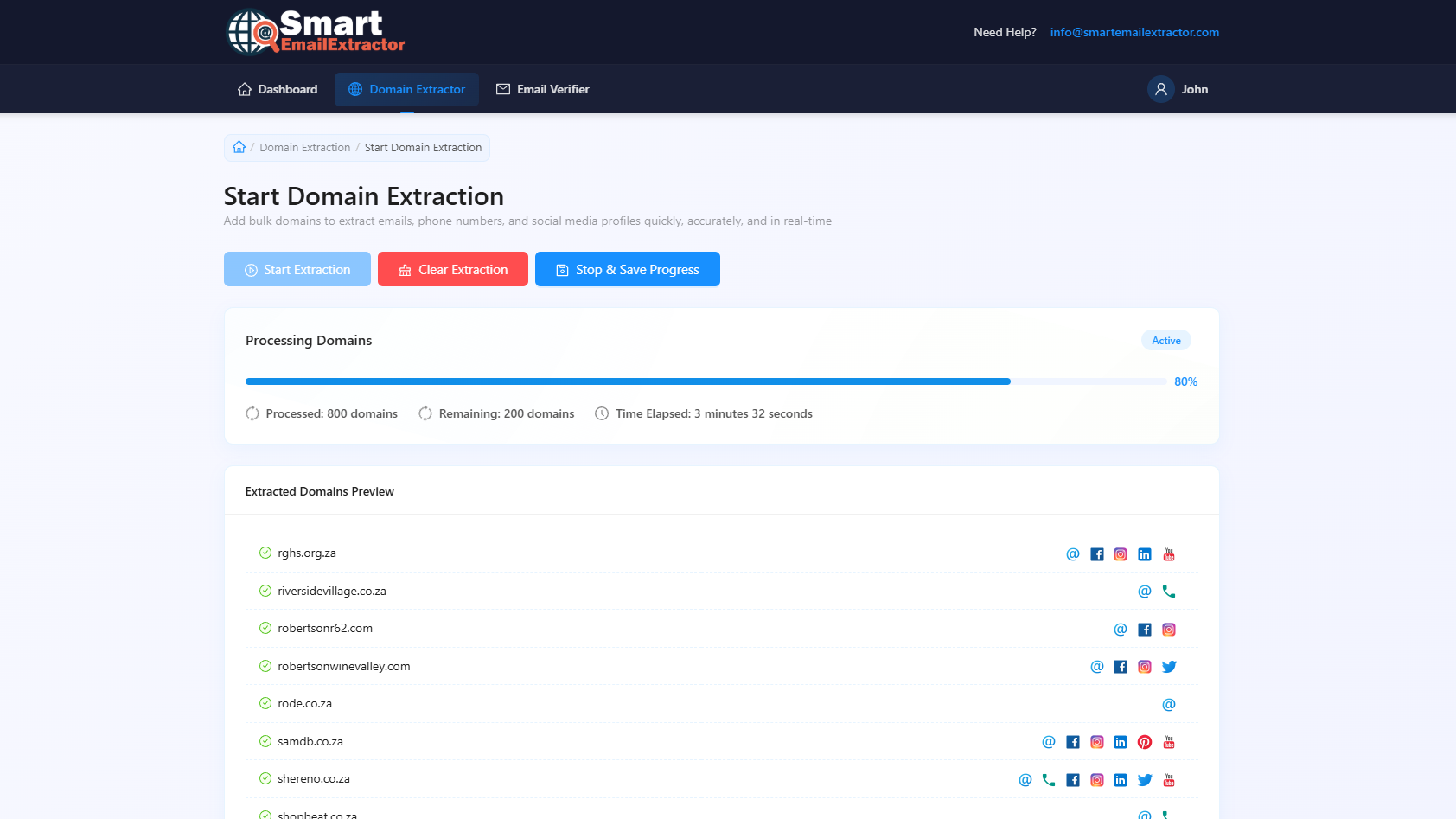
The program visits the public pages for those domains and looks for email addresses.
Export the rows. Sort the email column, and keep phone or social fields that were filled in.

Why a list tool
A handful of sites is fine to open yourself. A few hundred is not. A bulk email extractor exists for that second case.
| Point | Opening sites yourself | Bulk email extractor |
|---|---|---|
| Input | One website open in a browser | A file of many domains |
| Emails | Copied one address at a time | Collected across the whole list |
| Other contacts | Easy to skip or lose | Phone and social links kept on the same row |
| Long lists | Slow and easy to abandon | One run instead of hundreds of tabs |
| What you keep | Notes in a doc | A spreadsheet you can filter |
FAQ
It is software that takes many website domains and pulls the public email addresses those sites display. Smart Email Extractor does this on Windows: you supply the domain list, and the result is an email list you can export.
Yes. That is the intended start. Use the domain list from your research, a CRM export, or a prospecting sheet. You do not have to discover the websites again.
Email is the field this workflow is built around. If a domain also publishes a phone number or a social profile link, those are stored beside the email so you do not run a second search.
No. It reads contact details that are already visible on public web pages. It does not log into email accounts or pull hidden address books.
This page is the guide. The extractor is a Windows desktop program, which is a better fit for a long domain list than a single browser tab.
Open the file, filter the email column, and remove rows you do not want before any outreach. Check local rules for commercial email before you send.
Download Smart Email Extractor, load the domain file, and export the public emails from that run.