Emails
Mailbox addresses that appear on the domain, such as info, sales, or a named contact, collected into one list.
Windows desktop tool
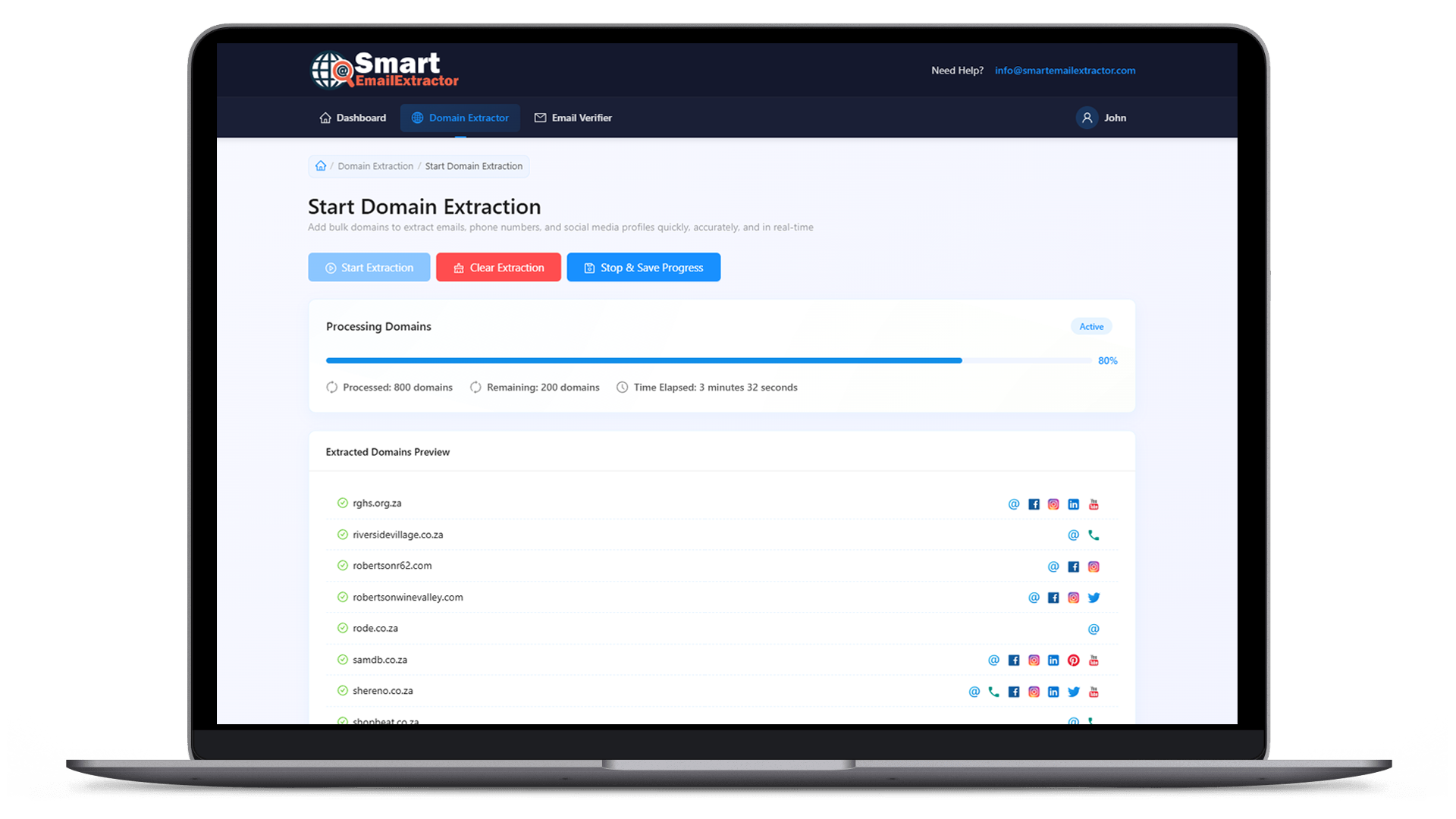
Bring a list of websites. Smart Email Extractor reads those domains and collects the public emails, phone numbers, and social profile links they display. You stop copying contacts by hand and keep one export instead.
What you get
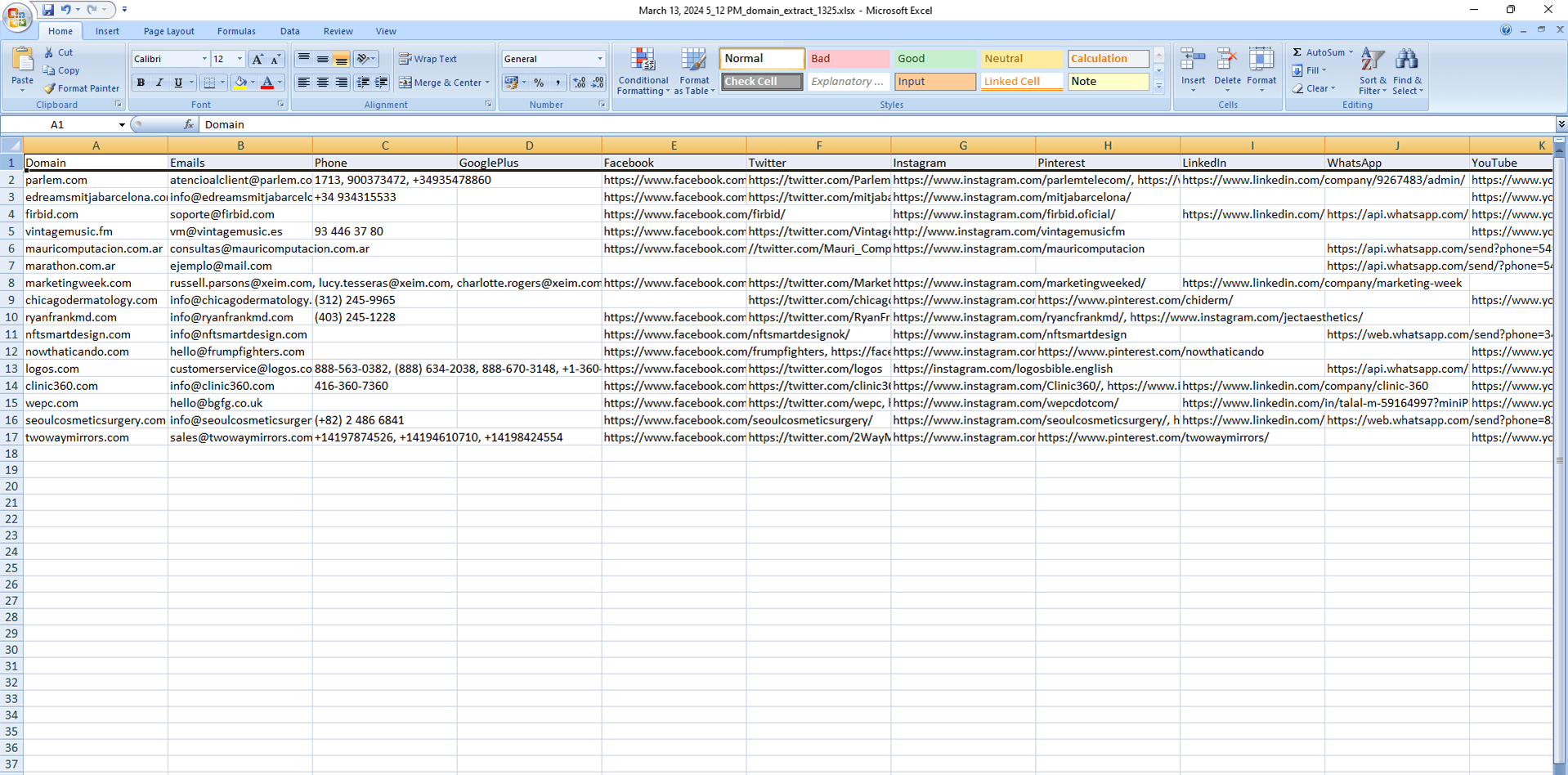
After the domains are processed, the useful part is the contact record. These are the three fields the export is organized around.
Mailbox addresses that appear on the domain, such as info, sales, or a named contact, collected into one list.
Telephone numbers printed on the site, including office and WhatsApp-style numbers when they are published.
Public profile links for networks such as Facebook, Instagram, LinkedIn, X, and YouTube.
How it works
You already know which sites matter. The missing step is turning that list into names, numbers, and profile links without opening every page yourself.
Load the websites you want checked. A full list is the normal input, not a single homepage.
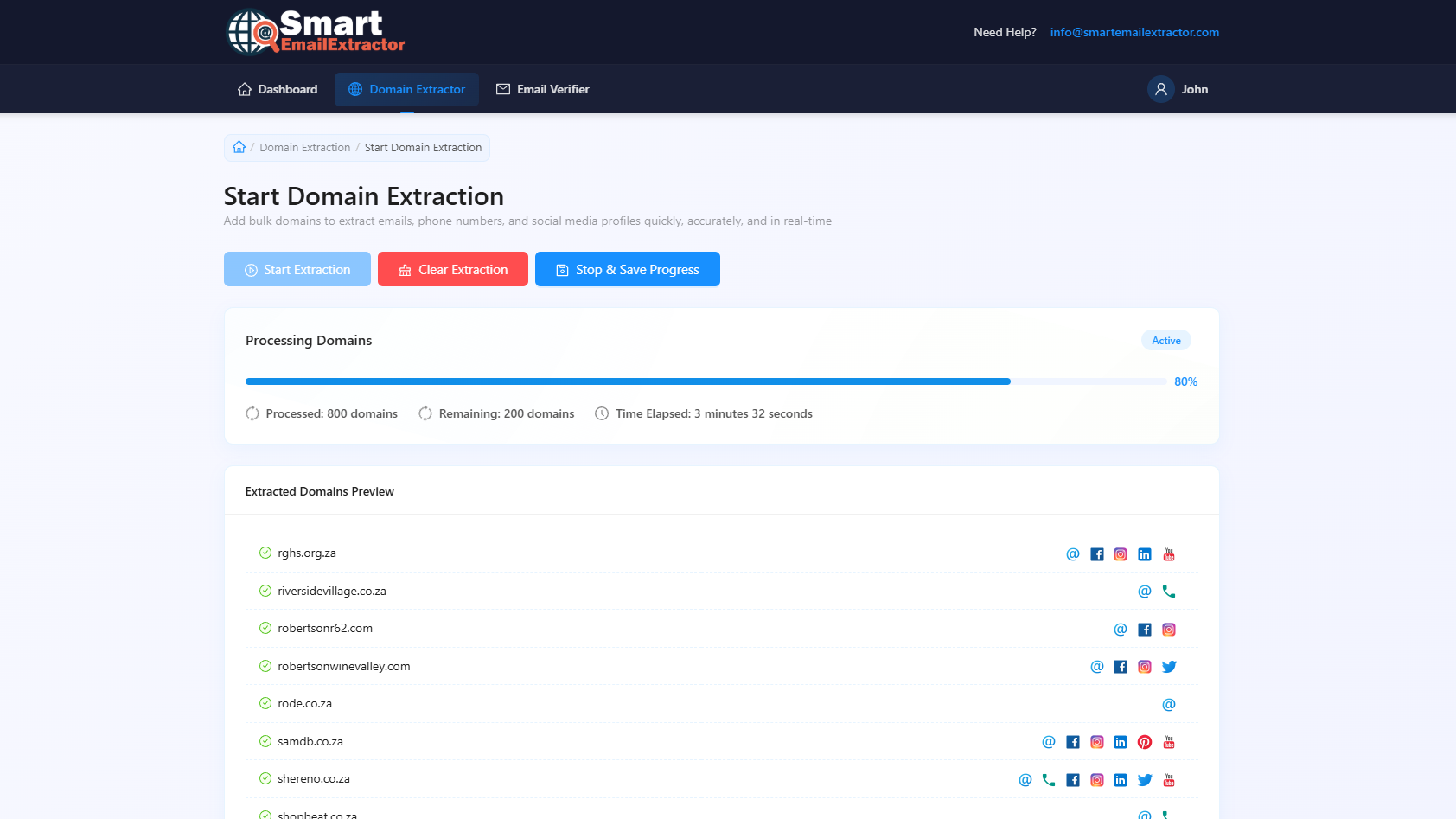
The software moves through the list and reads the public contact details on those sites.
Check the emails, phone numbers, and social links, then export them for a CRM or a campaign.

Why this workflow
The hard part is rarely finding domains. It is finding a working email, a phone number, and a social profile on each one. This page describes that path: domains in, contacts out.
| Point | Doing it by hand | Best domain extractor |
|---|---|---|
| Starting point | Opening websites one by one | A domain list you already have |
| What comes back | Whatever you manage to copy | Emails, phone numbers, and social links |
| Time spent | Repeated visits and manual notes | One pass over the whole list |
| Where it runs | A browser tab that can stall | A Windows app on your PC |
| End result | Scattered notes | An export you can sort and send |
FAQ
You give it website domains. It opens those sites, reads the public contact details, and returns emails, phone numbers, and social profile links. Smart Email Extractor is built for that on Windows, using a list of domains rather than one address at a time.
A domain list. Paste the domains or load the file you already use for sales or research. The software walks that list for you, so you do not have to visit each website and copy contacts into a spreadsheet.
Only what the website publishes. Some domains show all three. Others show an email and nothing else. The export keeps whatever was found, so you can see which contacts are missing.
No. One extraction pass looks for emails, contact numbers, and social addresses together. You review them in the same result instead of running a separate job for each field.
No. The pages on this website explain the product. The extractor itself is a Windows program. Your domain list is processed on your computer, which is more stable for a long list than a single browser tab.
Anyone who already has domains and needs the people behind them: outbound sales, agencies, recruiters, and founders building a first outreach list.
Download Smart Email Extractor, add the domains, and export the emails, phone numbers, and social links from that run.