Business emails
Public mailbox addresses shown on each company website, lined up next to the domain you supplied.
For teams in India
Sales teams and agencies in India often start with a list of company websites, not a finished contact file. This bulk web email extractor for India runs on Windows, reads those public pages, and lines up the emails it finds. Phone numbers and social links stay on the same sheet when the site shows them.
What you collect
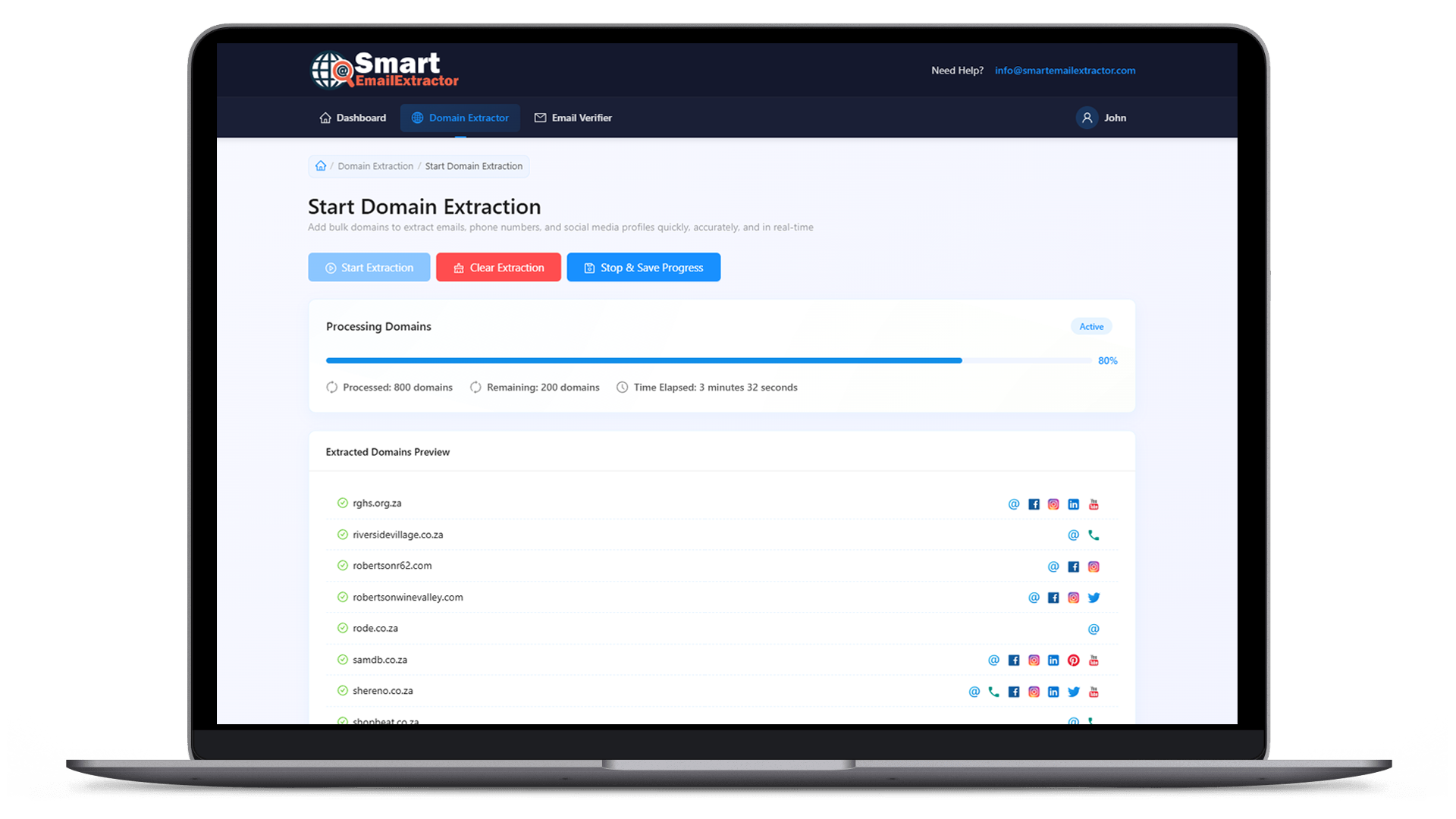
A bulk web email extractor for India is useful when the email is the field you need first, and you still want the phone or social page if the company published it.
Public mailbox addresses shown on each company website, lined up next to the domain you supplied.
Office or WhatsApp numbers that the site prints, kept on the same row as the email.
Public profile links so a sales or recruiting note can start from the right company page.
How it works
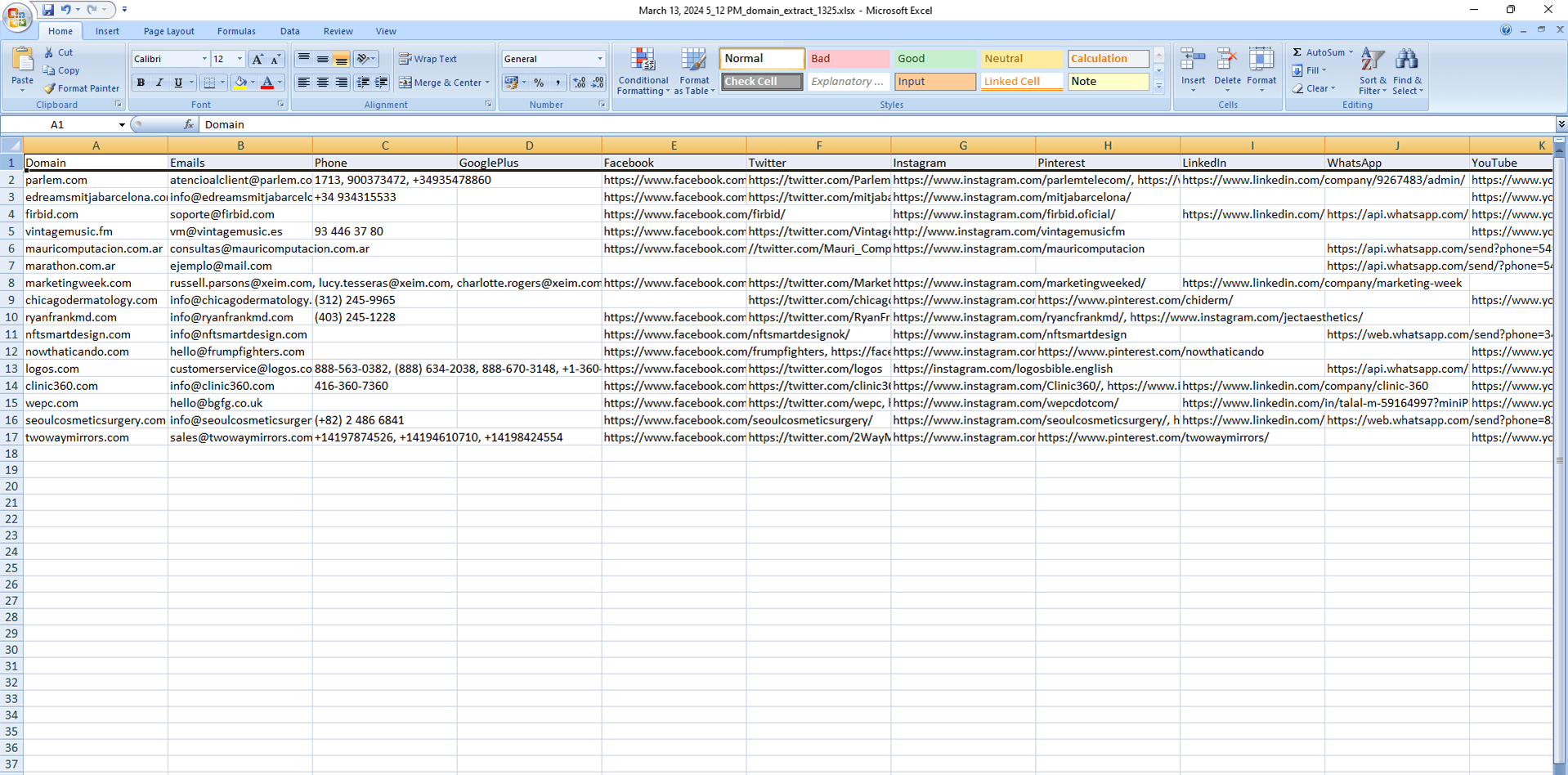
You do not open every company website in a new tab. You load the list once and let the program read the public pages.
Paste the websites you already shortlisted, whether they are clients, vendors, or hiring firms.
The Windows program reads those sites and picks up the contact details they display.
Download the rows and filter the email column before you start outreach.

Why teams use it
Calling one office is simple. Building emails for a city-wide or industry-wide list is not. This page is for that larger list.
| Point | Checking sites yourself | Bulk web email extractor |
|---|---|---|
| Starting list | Opening each Indian company site | A domain list you already prepared |
| Emails | Copied from one contact page | Collected across the full list |
| Phone and social | Often left behind | Saved beside the email when published |
| Team use | One person, many browser tabs | A desktop run you can repeat |
| File you keep | Scattered notes | A sheet you can sort by domain |
FAQ
It is a Windows tool for people in India who already have a list of company websites. You add those domains, and Smart Email Extractor collects the public email addresses the sites show, along with phone numbers and social links when they are published.
B2B sales teams, digital agencies, recruiters, and founders who need a contact on each company domain before they call or write. It fits a list of Indian businesses as well as overseas sites you want to reach from India.
No. You can include .in, .com, or any other public domain. The extractor follows the websites you add. It does not limit the list to one country code.
Only if that site publishes one. Some pages show an email and a phone number. Others show neither. The export keeps what was found so you can see the gaps.
This page explains the product. The extractor is a Windows program you download and run on your PC, which is more practical for a long domain list than a browser tab.
You can export the contacts and review them first. Remove rows you do not want, and follow the email and privacy rules that apply to your campaign before you send anything.
Download Smart Email Extractor on Windows, add the list, and export the public emails from those websites.